
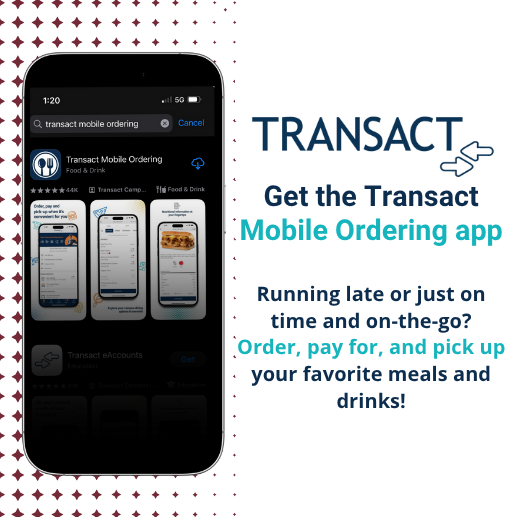
Transact Mobile Ordering offers a convenient way for students, faculty, and staff to place orders at their favorite retail dining locations on campus, straight from their phones. Users can pay for their meals through the app using Meal Exchange, Flex Dollars, or a credit/debit card.
Download the Transact Mobile Ordering App:
- Download the app. Visit your phone's app store, search for "Transact Mobile Ordering," and download the app.
- Choose your icon. Select either the Takeout icon or the generic icon. (Android users will only have the generic icon available.)
- Select your school. Once the download is complete, choose "Indiana Wesleyan University."
- Register your account. Sign in using your Student ID number and password.


How to use the Transact Takeout Mobile Ordering App:
- Place your order. Open the app and select your desired location. Orders can be paid for using Meal Exchange, Flex Dollars, or a credit/debit card.
- Confirm and receive your receipt. Once payment is complete, your screen will display your estimated wait time, order number, and a digital receipt with a QR code.
- Pick up your order. When you arrive, scan the QR code from your order confirmation at the designated bank of lockers. Retrieve your food, and be sure to close the locker before you leave..
- Mind the pickup window. Orders must be picked up within 20 minutes of confirmation. To maintain food freshness and locker availability, any order left beyond this window will be discarded, and no refund can be issued.